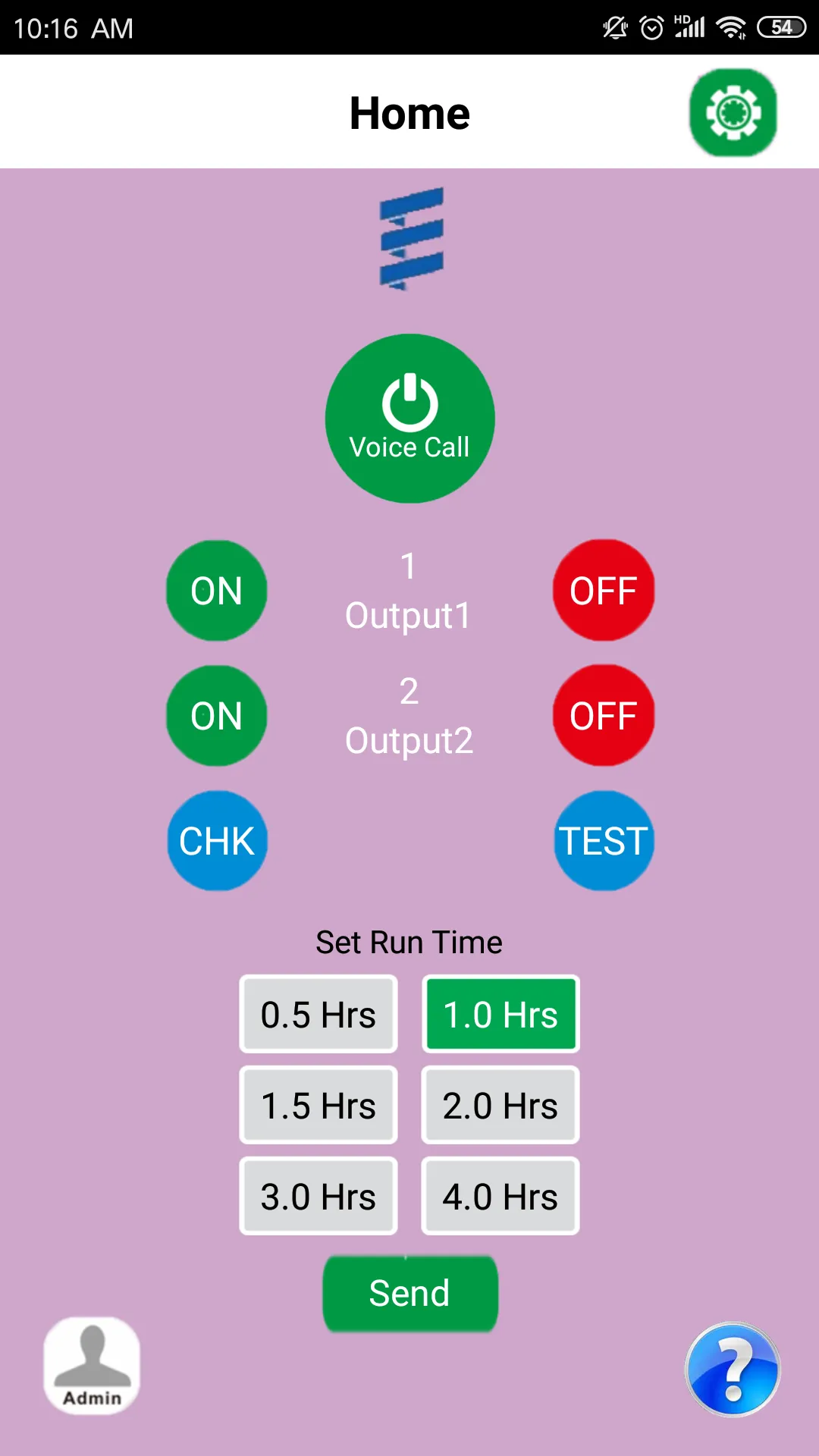
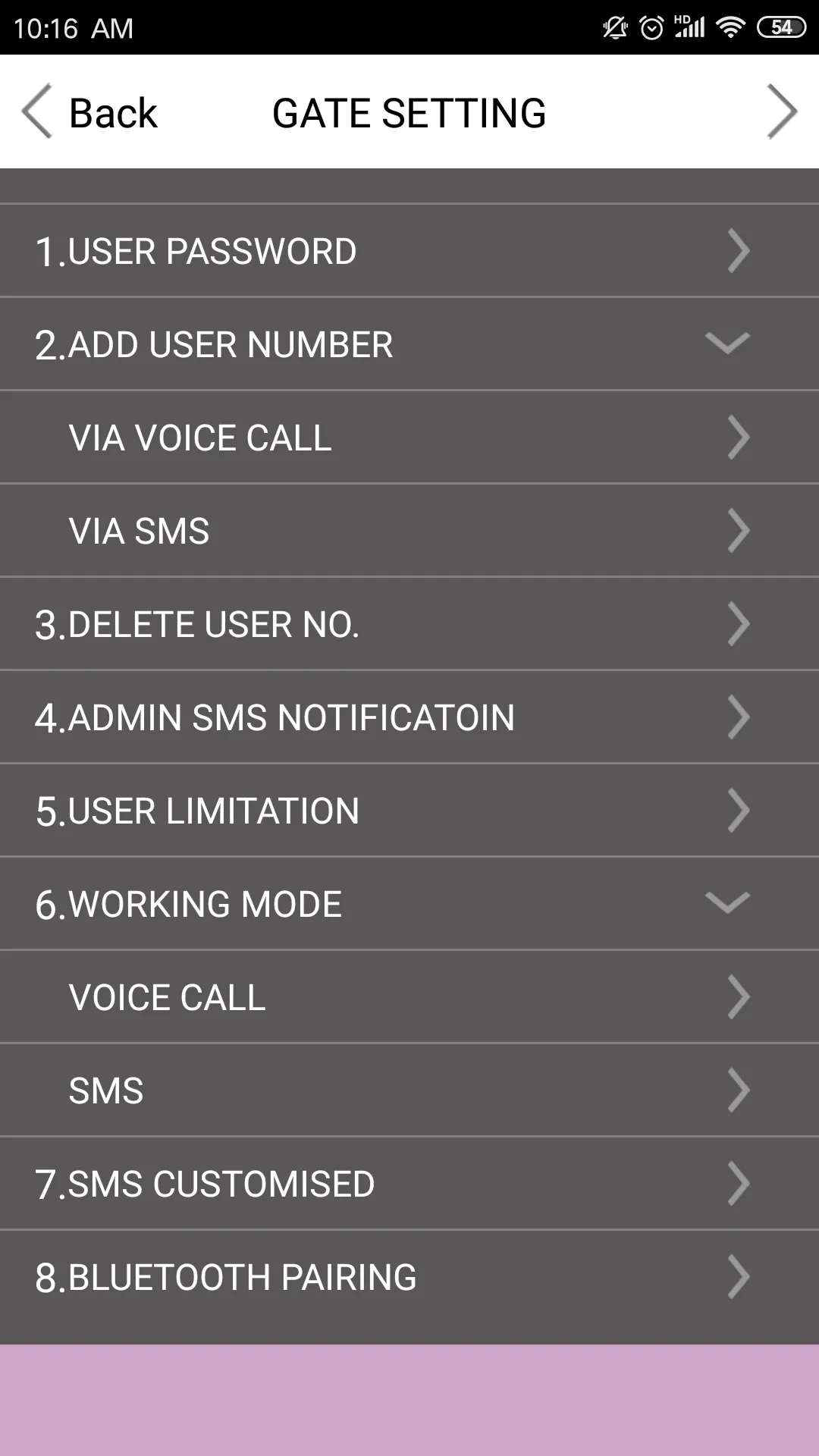
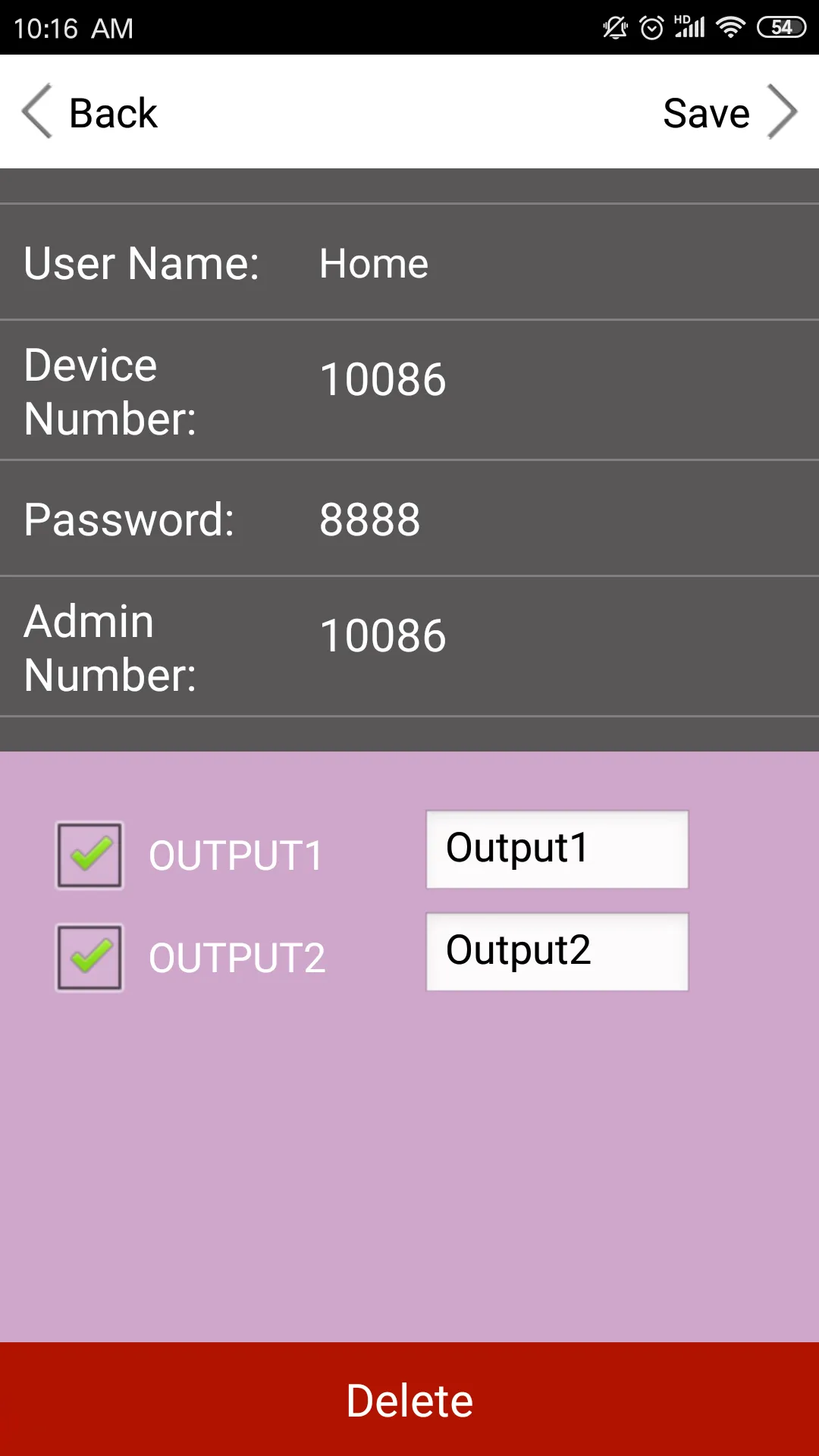
Once you have installed the unit and inserted the Sim Card, you can nowpower up the system and the 3 LED lights will oscillate infrequently untilthe BLUE LED flashes every 3 seconds and the system is now on line,connected to the network and can now be programmed.The first thing to set up is to add the Administrator who will be the onlynumber that can program and change the parameters of the system.You would hold the reset button down and release after a few secondsand the BLUE LED will stay illuminated and you would now call the unitand the system will register the number as the administrator, the unit willnow send the following similar S.M.S confirmation as :ADMIN SAVE OKThe Administrator can now program the system functions using thefollowing instructions and SMS formats.
Essential Apps
Ratings
0
0 total ratings
5
73%
4
10%
3
4%
2
3%
1
10%
REVIEWS
No reviews yet. Be the first one to review this app
Scan to download on Indus Appstore
Permissions
Storage: access photos, media, and files on your device