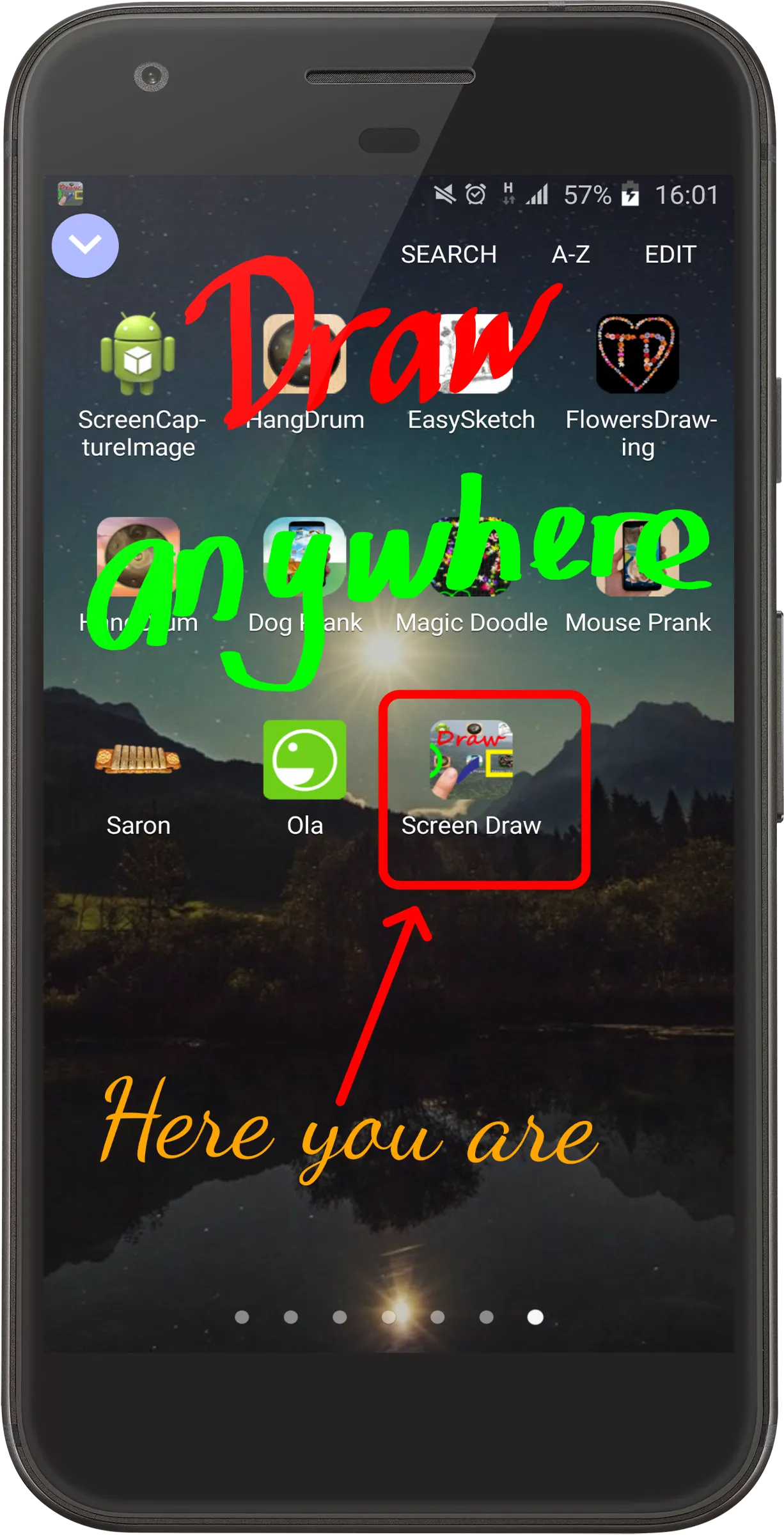
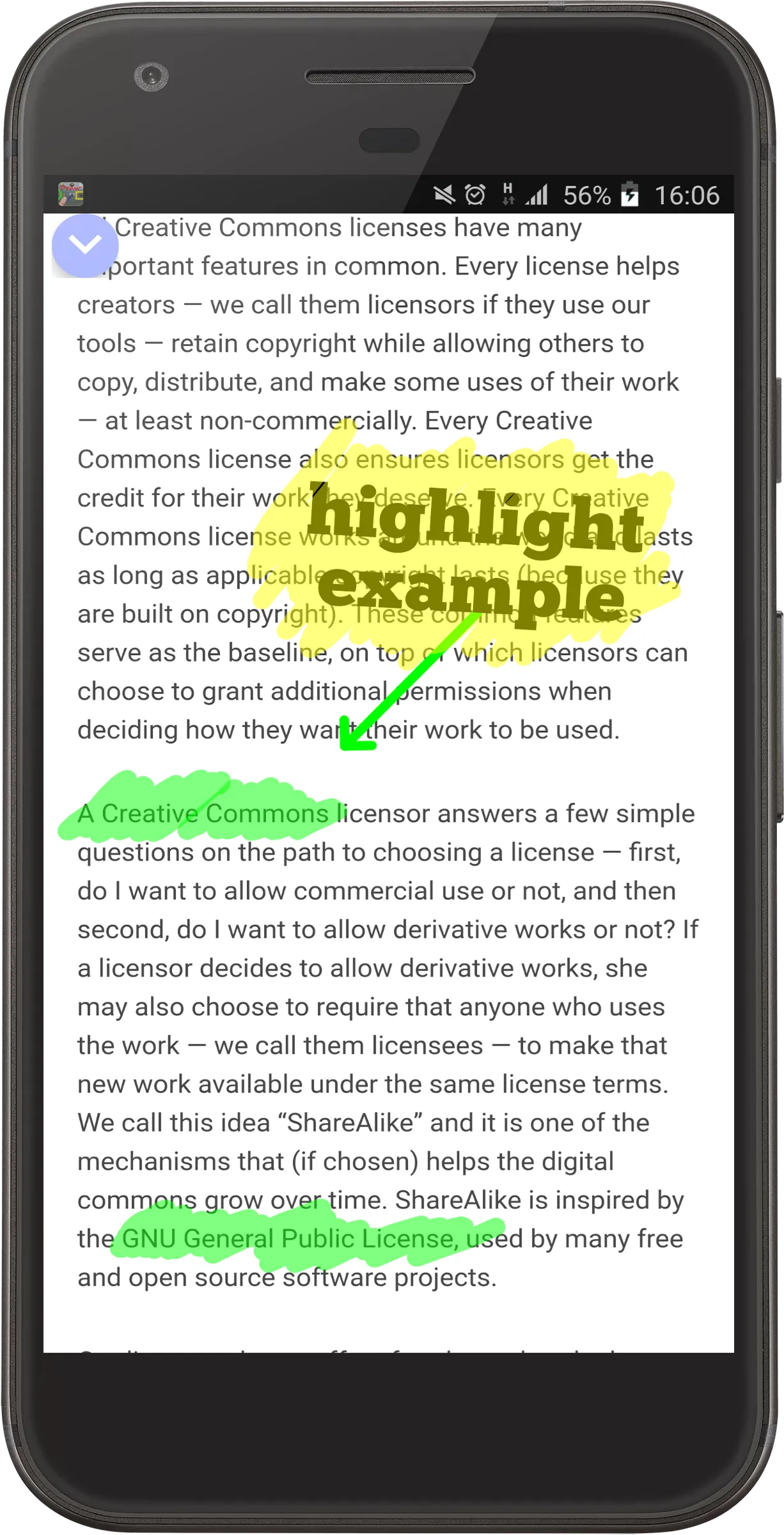
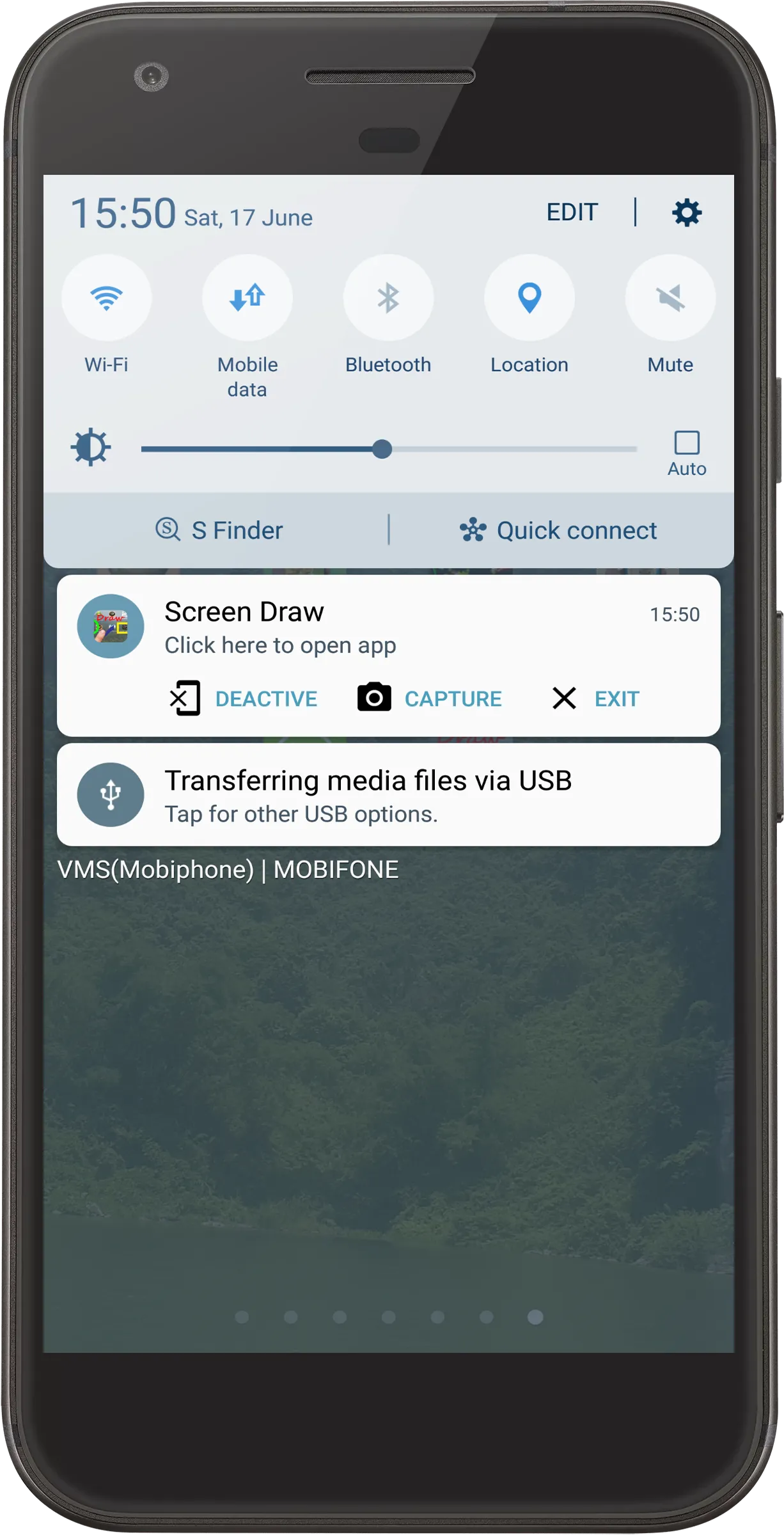
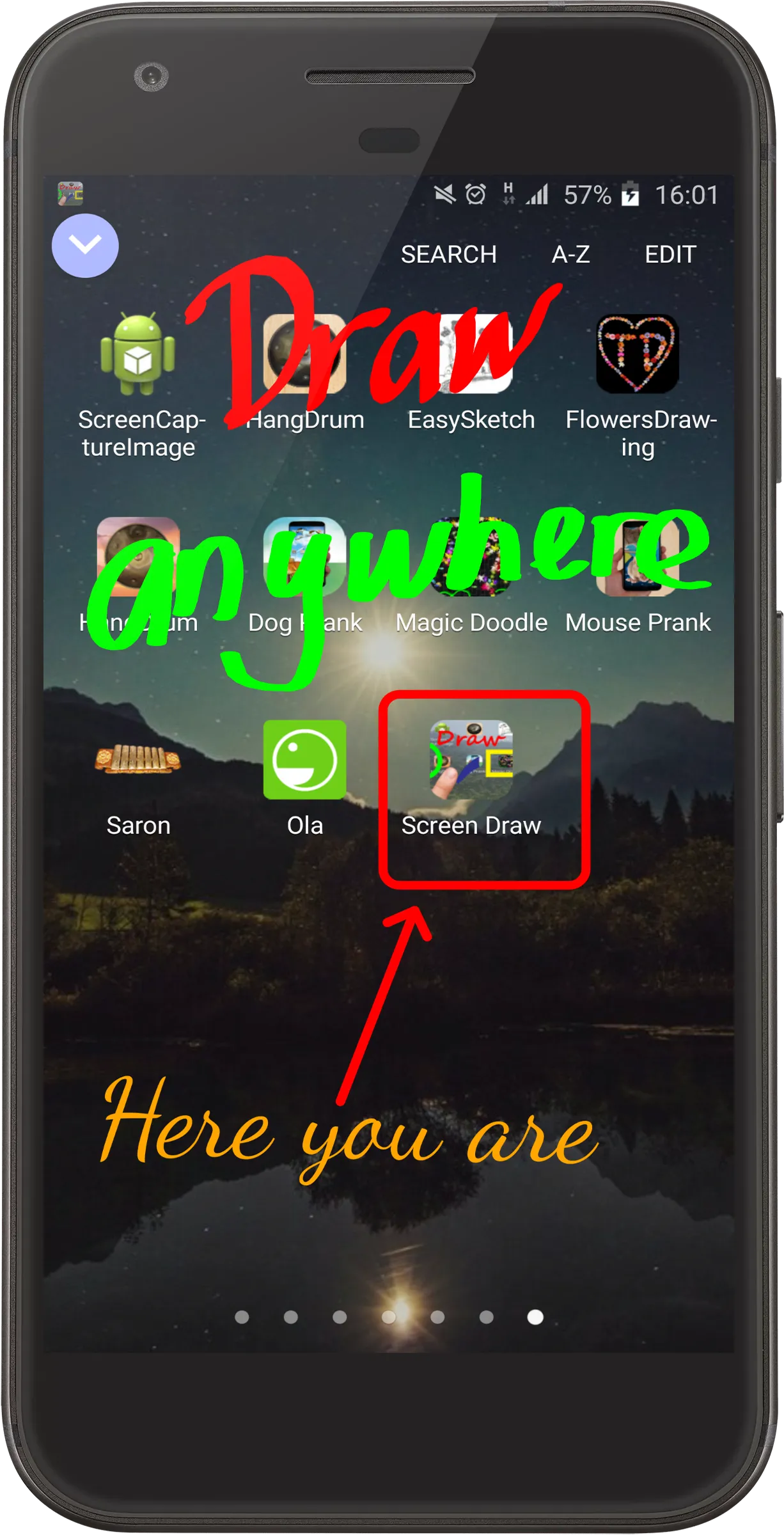
Express your creativity on your phone screen with AZDraw. This versatile app allows you to write and draw freely, offering endless possibilities for presentations, tutorials, or simply highlighting text, videos, and images.
Key Features:
Draw anywhere on your screen, anytime.
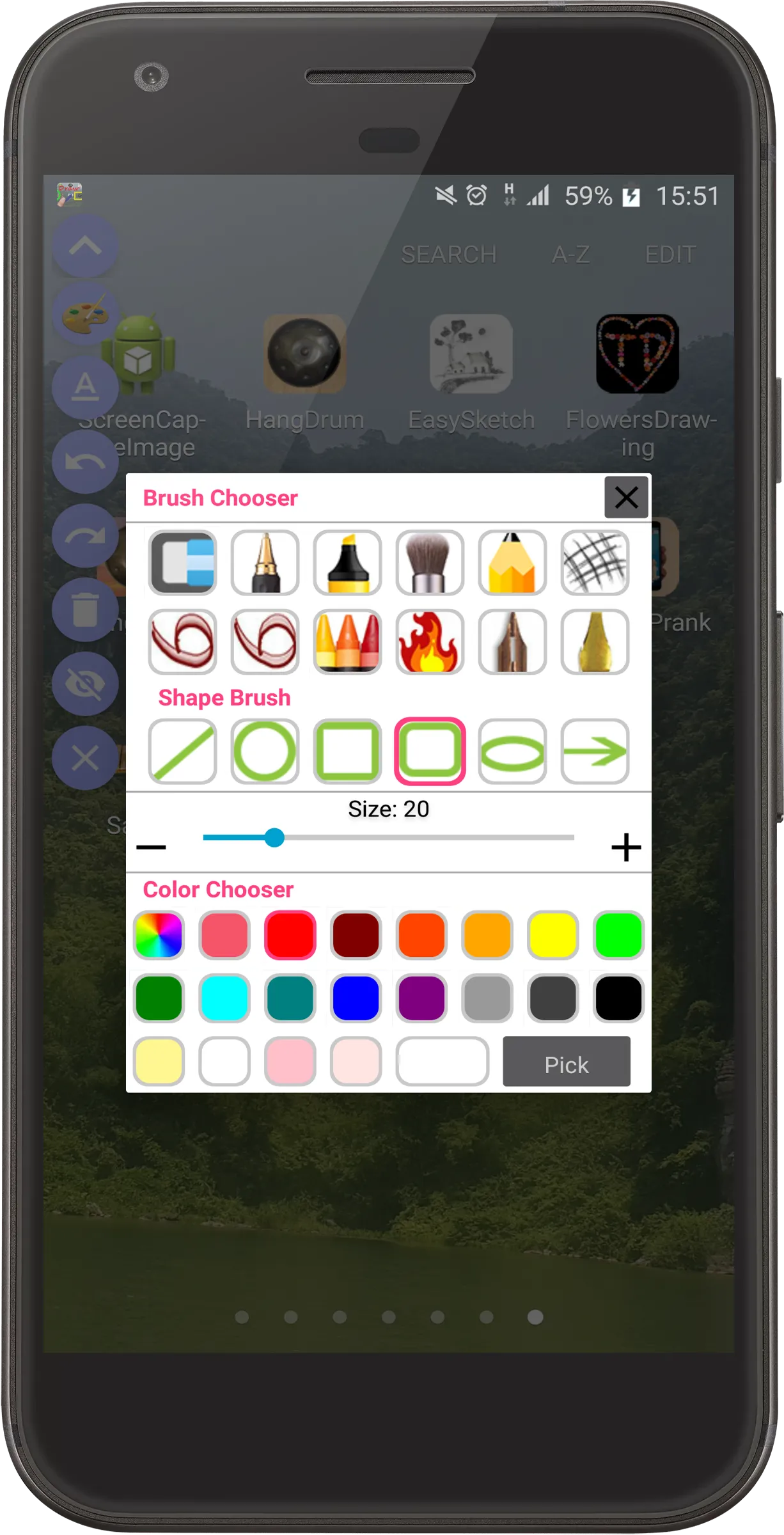
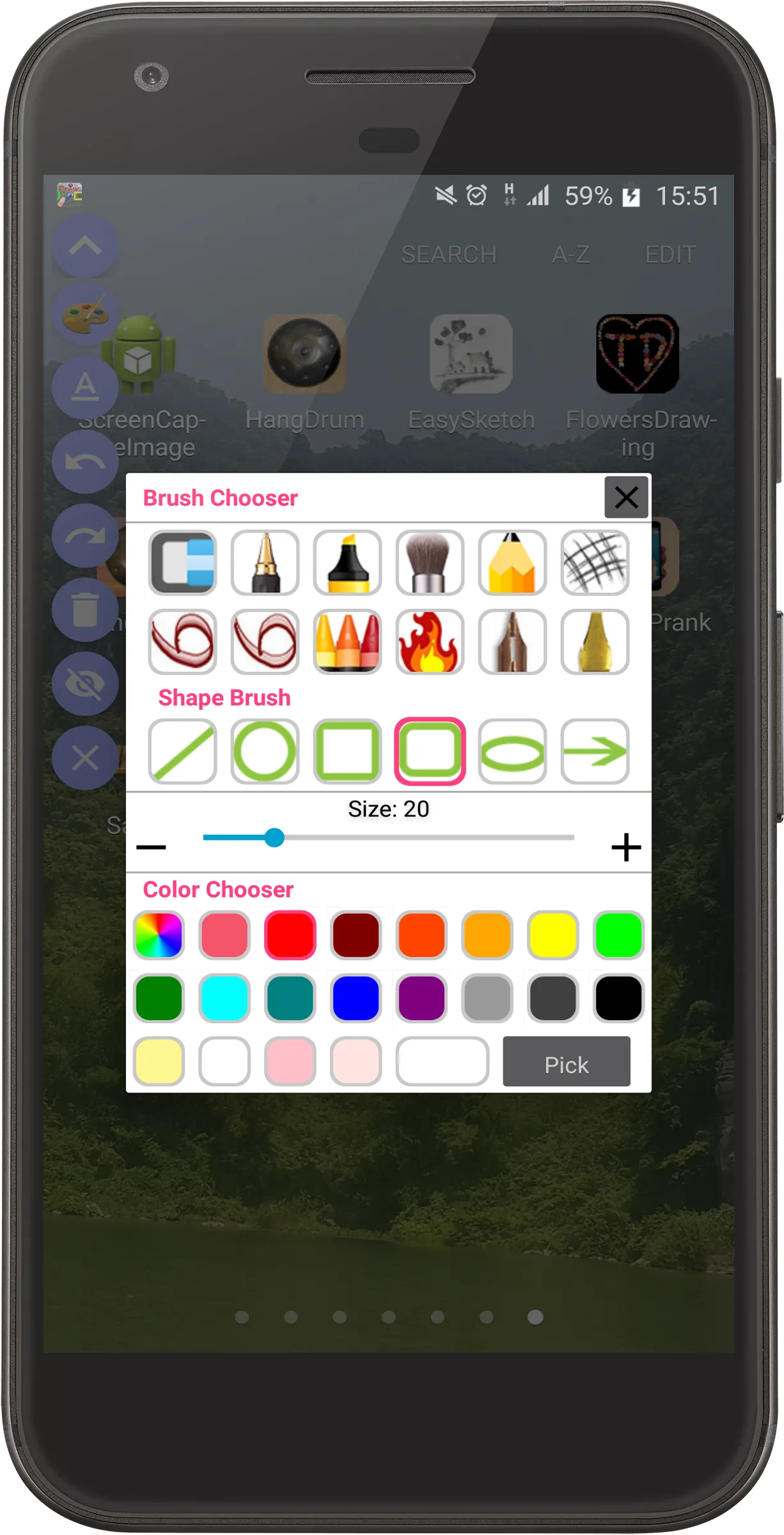
Choose from a wide range of brushes, including pencil, highlight marker, and bold pen strokes.
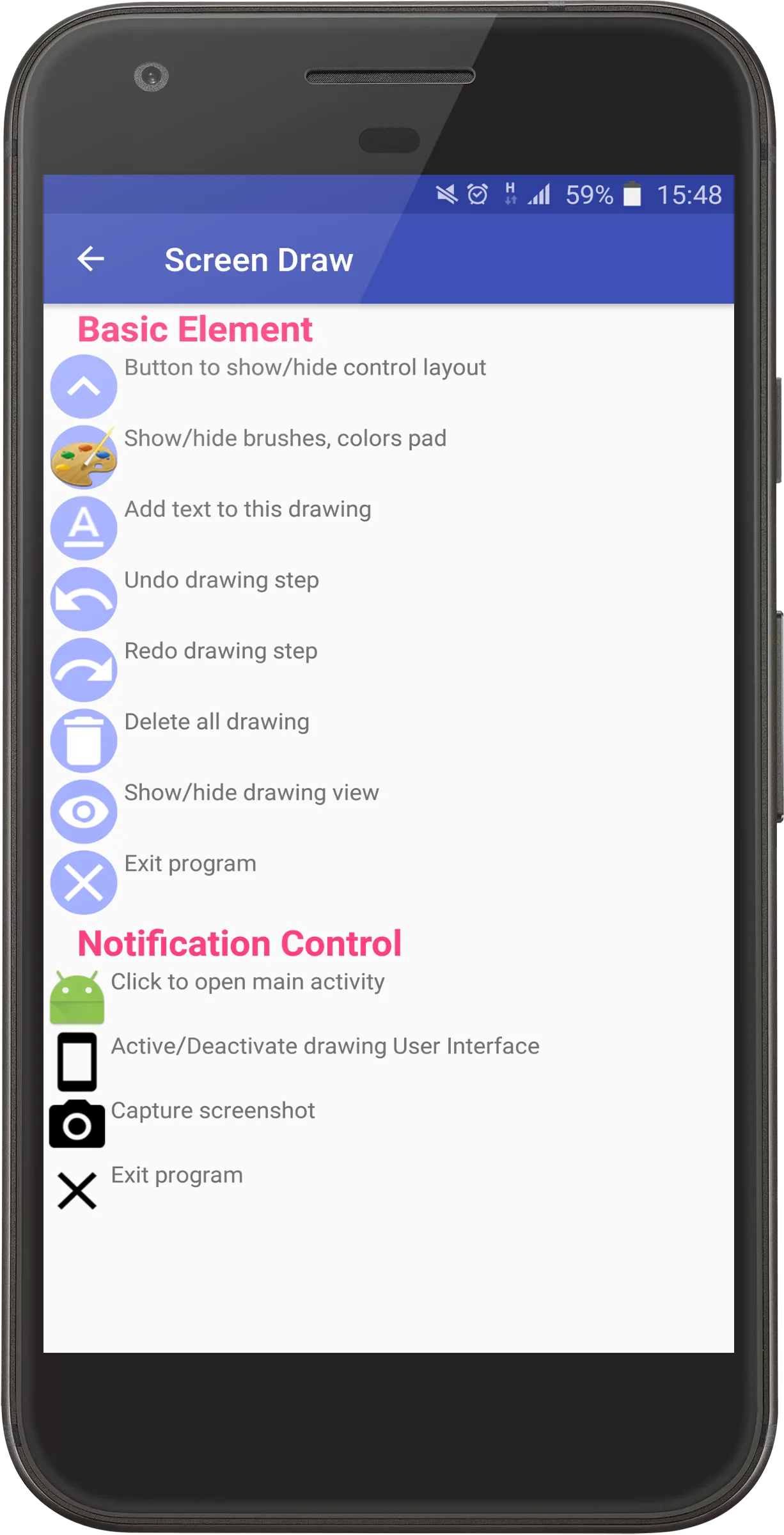
Easily undo and redo multiple steps to refine your work.
Correct mistakes effortlessly with the delete drawing and eraser tools.
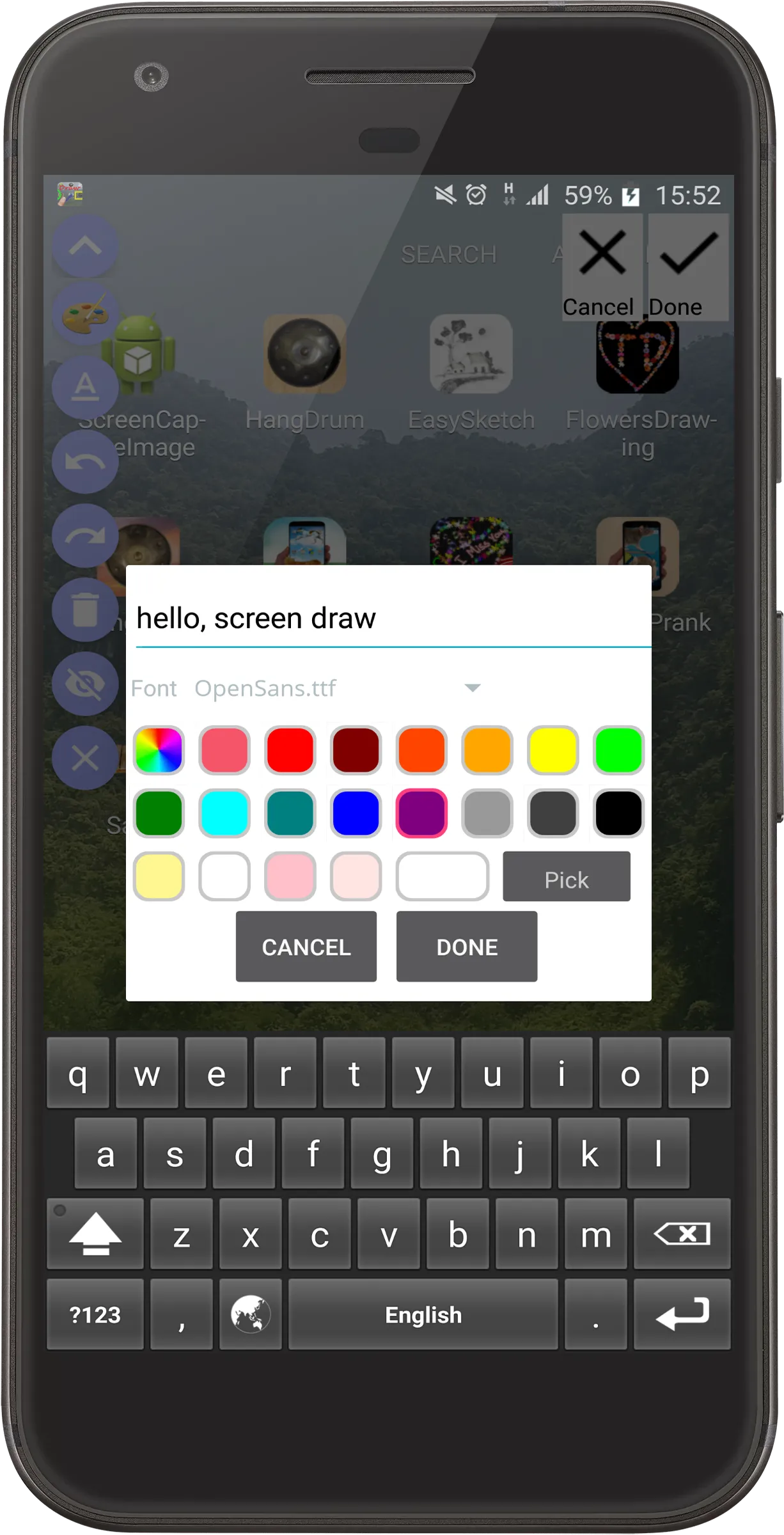
Enhance your creations with text using a variety of fonts, with options to customize size, location, and angle.
Create precise shapes like ovals, rectangles, lines, round rectangles, circles, and arrows.
Select colors and adjust brush sizes with ease.
Contribute to Our Growth:
We're constantly improving AZDraw with new features. Share your feedback and suggestions with us at
[email protected]. Your input helps us enhance your drawing experience.
Important Note:
All fonts used in AZDraw are obtained from https://www.fontsquirrel.com/ under their free commercial use license, allowing you to embed them in applications and software hassle-free.